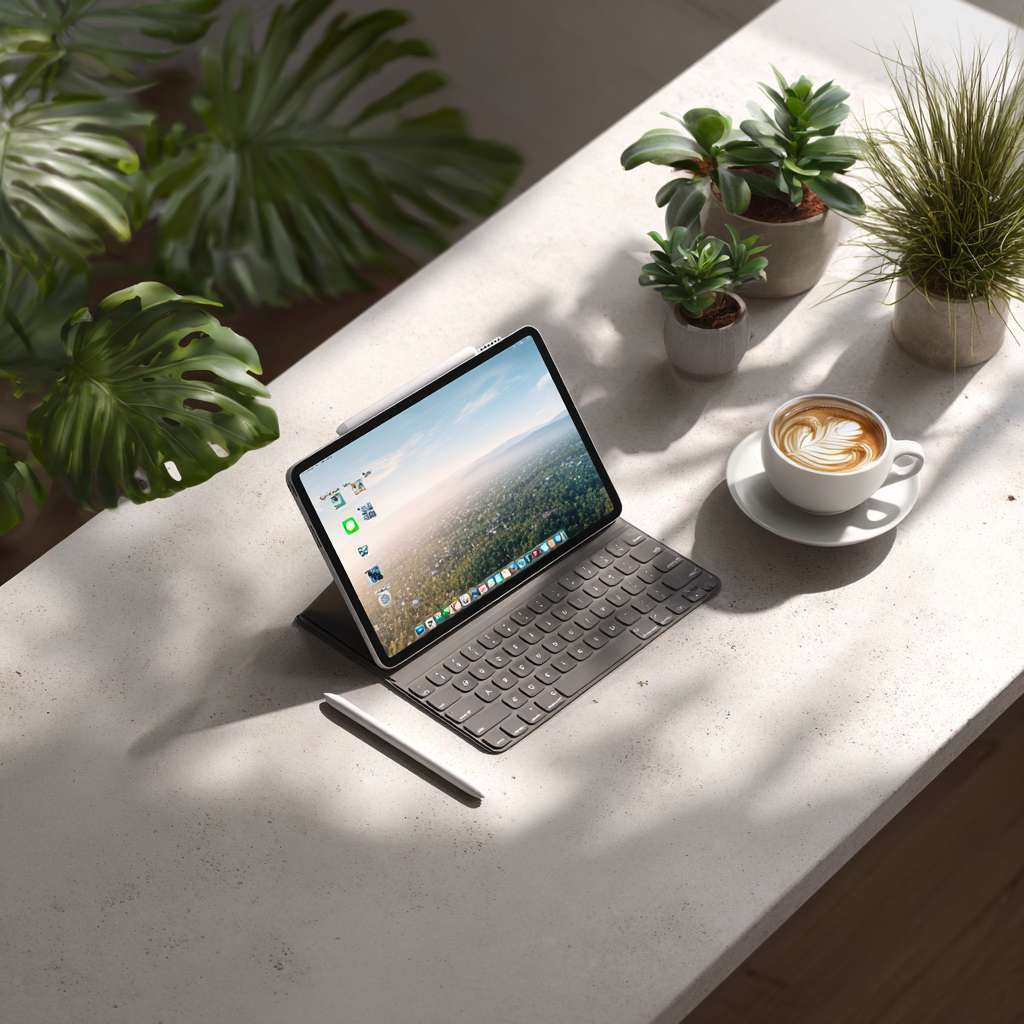
The iPad Air M3 2025 represents Apple's most balanced tablet offering, delivering flagship-class performance at a mid-range price point. Starting at $599 for the 11-inch model, the M3-powered Air provides nearly iPad Pro capabilities while maintaining a more accessible price. With Apple Pencil Pro support, impressive performance gains, and refined design, the iPad Air M3 challenges the notion that you need a Pro model for serious work. After extensive testing across creative and productivity workflows, we examine whether the iPad Air M3 truly hits the sweet spot.
Performance: M3 Chip Excellence
The M3 chip transforms the iPad Air into a powerhouse tablet. The 8-core CPU delivers performance nearly 2x faster than the M1 iPad Air and up to 3.5x faster than models with the A14 Bionic chip. This substantial performance leap enables smooth multitasking, professional-grade creative applications, and demanding gaming without compromise.
The 9-core GPU with hardware-accelerated ray tracing brings desktop-class graphics to a tablet form factor. Complex 3D modeling in Nomad Sculpt runs smoothly, video editing in LumaFusion handles 4K timelines effortlessly, and graphics-intensive games maintain high frame rates. The 16-core Neural Engine accelerates machine learning tasks, improving everything from photo editing to voice recognition.
Real-world performance impresses across use cases. Procreate handles large canvases with numerous layers without stuttering. Affinity Photo processes RAW images quickly, applying complex filters and adjustments in real-time. The M3 chip provides headroom for future iPadOS updates and increasingly demanding applications, ensuring longevity for your investment.
Display Quality
The Liquid Retina display measures 11 inches or 13 inches depending on model choice, both delivering 264 pixels per inch for crisp text and detailed images. The 11-inch variant features 2360 x 1640 resolution, while the 13-inch model offers 2732 x 2048 pixels. Both displays support P3 wide color gamut and True Tone technology for accurate color reproduction.
While lacking the ProMotion 120Hz technology and mini-LED backlighting of iPad Pro models, the 60Hz refresh rate proves sufficient for most users. Scrolling feels smooth, gaming remains responsive, and creative work doesn't suffer noticeably. The display brightness reaches adequate levels for indoor use, though outdoor visibility in direct sunlight trails the brighter iPad Pro.
Color accuracy impresses for creative work. The P3 wide color support enables rich, vibrant colors that translate well when exported to other devices. True Tone adjusts white balance based on ambient lighting, reducing eye strain during extended use. For professionals requiring absolute color precision, the iPad Pro's reference mode remains necessary, but most users will find the iPad Air's display exceptional.
Apple Pencil Pro Integration
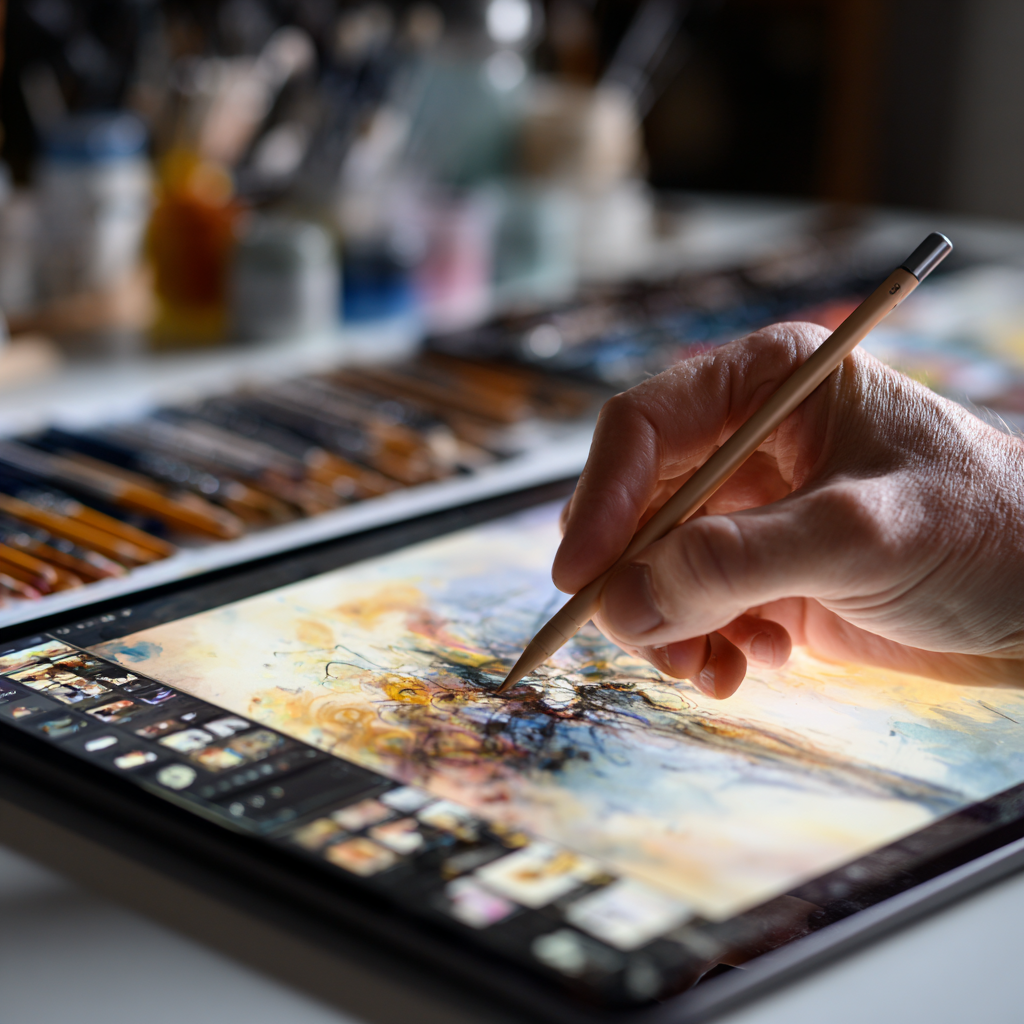
Apple Pencil Pro support represents one of the iPad Air M3's most significant upgrades. The advanced stylus introduces squeeze gestures for quick tool switching, barrel roll recognition for controlling brush orientation, and haptic feedback for tactile confirmation. These features transform the creative experience, making digital art creation feel more intuitive and natural.
Squeeze gestures allow rapid access to frequently used tools without lifting the Pencil from the screen. Artists can switch between brushes, adjust sizes, or access color palettes with a simple squeeze. The barrel roll feature enables dynamic control of pen angle and brush orientation, crucial for calligraphy and detailed illustration work.
Haptic feedback provides subtle confirmation when activating squeeze gestures or double-tapping to switch tools. This tactile response creates confidence in tool selection without requiring visual confirmation, keeping focus on the canvas. The hover feature shows Pencil position before contact, improving precision in detailed work.
Latency remains impressively low at just 9 milliseconds, making the Pencil feel remarkably responsive. Strokes appear to flow directly from the Pencil tip with no noticeable lag. Combined with palm rejection and tilt sensitivity, the Apple Pencil Pro on iPad Air M3 delivers a drawing experience rivaling dedicated drawing tablets.
Technical Specifications
| Chip | Apple M3 (8-core CPU, 9-core GPU, 16-core Neural Engine) |
|---|---|
| Display | 11" or 13" Liquid Retina (2360x1640 / 2732x2048), 264 PPI |
| Storage | 128GB / 256GB / 512GB / 1TB |
| RAM | 8GB (128-256GB models) / 16GB (512GB-1TB models) |
| Cameras | 12MP rear, 12MP ultra-wide front (landscape) |
| Apple Pencil | Apple Pencil Pro, Apple Pencil (USB-C) |
| Connectivity | Wi-Fi 6E, optional 5G |
| Battery | Up to 10 hours |
| Price | From $599 (11"), $799 (13") |
Design and Build
The iPad Air M3 maintains Apple's signature thin and light design philosophy. The 11-inch model weighs just 462 grams (Wi-Fi) or 462 grams (cellular), making it comfortable for extended handheld use. The 13-inch variant weighs 618 grams, remaining remarkably portable for its screen size. The slim 6.1mm profile slips easily into bags and backpacks.
Available in four elegant colors—blue, purple, starlight, and space gray—the iPad Air offers personalization beyond the limited options of iPad Pro. The aluminum unibody construction feels premium and durable, though it lacks the slightly more refined finish of the iPad Pro. The flat edges align with modern Apple design language and provide comfortable grip points.
The Touch ID power button integrates seamlessly into the top edge, providing secure authentication without requiring Face ID. This placement works well in both portrait and landscape orientations. The volume buttons fall naturally under fingers when holding the device, and the magnetic connector for Apple Pencil charging sits conveniently on the right edge.
iPadOS Experience
iPadOS on the M3 iPad Air delivers a refined tablet operating system with desktop-class capabilities. Stage Manager enables proper windowed multitasking, allowing multiple resizable app windows and external display support. While the feature requires adjustment from traditional iPad multitasking, it unlocks new productivity workflows.
Split View and Slide Over provide simpler multitasking options for users who don't need full window management. Drag and drop functionality between apps works reliably, streamlining workflows like moving images between photo editing and document creation apps. The App Library organizes applications intelligently, reducing home screen clutter.
Desktop-class browser support in Safari enables proper web application access. Complex web tools that previously required workarounds now function correctly, expanding the iPad's utility for web-based workflows. File management through the Files app continues improving, though it still lacks the comprehensiveness of traditional desktop file systems.
Battery Life and Charging
Battery life consistently reaches Apple's claimed 10 hours of web browsing or video playback. Real-world mixed use including document editing, web browsing, video streaming, and light creative work typically provides 8-9 hours before requiring a charge. The M3 chip's efficiency enables this endurance despite the powerful performance.
Charging occurs via USB-C, supporting fast charging with compatible 30W or higher power adapters. A complete charge from 0% takes approximately 2 hours with a 20W adapter, or faster with higher wattage chargers. The USB-C port also enables connection to external displays, storage devices, and accessories, enhancing versatility.
Strengths
- M3 chip delivers flagship-class performance
- Apple Pencil Pro support with advanced features
- Excellent value at $599 starting price
- Beautiful Liquid Retina display with P3 colors
- Thin, light design in multiple colors
- Strong battery life for all-day use
- USB-C with external display support
- Touch ID integration
Limitations
- No ProMotion 120Hz display
- Lacks Face ID authentication
- Base 128GB storage may fill quickly
- No mini-LED or OLED display technology
- Accessories (Pencil, Keyboard) sold separately
- iPadOS limitations compared to macOS
Who Should Buy the iPad Air M3?
The iPad Air M3 targets users seeking powerful tablet performance without iPad Pro pricing. Students benefit from the balance of performance, portability, and value, handling note-taking, research, and creative projects comfortably. The Apple Pencil Pro support makes it attractive for digital artists and designers who don't require the absolute largest canvas of the 12.9-inch iPad Pro.
Casual content consumers who occasionally need productivity capabilities will appreciate the versatility. The device excels at media consumption while providing sufficient performance for email, document editing, and light photo editing when needed. The 13-inch model particularly suits users who want larger screen real estate without committing to the more expensive iPad Pro.
Professionals using iPad as a secondary device will find the M3 Air more than capable for most tasks. While dedicated iPad-first professionals might justify the iPad Pro's premium features, those using iPad to complement a Mac will rarely encounter limitations with the Air's capabilities.
Final Verdict
The iPad Air M3 2025 earns its "sweet spot" designation by delivering nearly iPad Pro performance at a significantly lower price. The M3 chip provides power sufficient for demanding creative work, professional productivity, and enjoyable media consumption. Apple Pencil Pro support narrows the gap with iPad Pro for creative users, making the Air a compelling option for digital artists.
While lacking ProMotion, mini-LED display, and Face ID, these omissions represent acceptable compromises for most users given the $599 starting price. The iPad Air M3 provides exceptional value, offering flagship performance in a beautiful package that satisfies the vast majority of tablet users.
For anyone seeking an iPad that balances performance, features, and value, the iPad Air M3 stands as the ideal choice. It represents the tablet most people should buy—powerful enough for serious work, affordable enough to justify the purchase, and refined enough to deliver premium experiences. The sweet spot, indeed.